Import data and build statistics
Import data and build statistics
To import data you can either:
- Upload data (.fit, .tcx or .gpx)
- Connect Strava App
Import data
Upload data
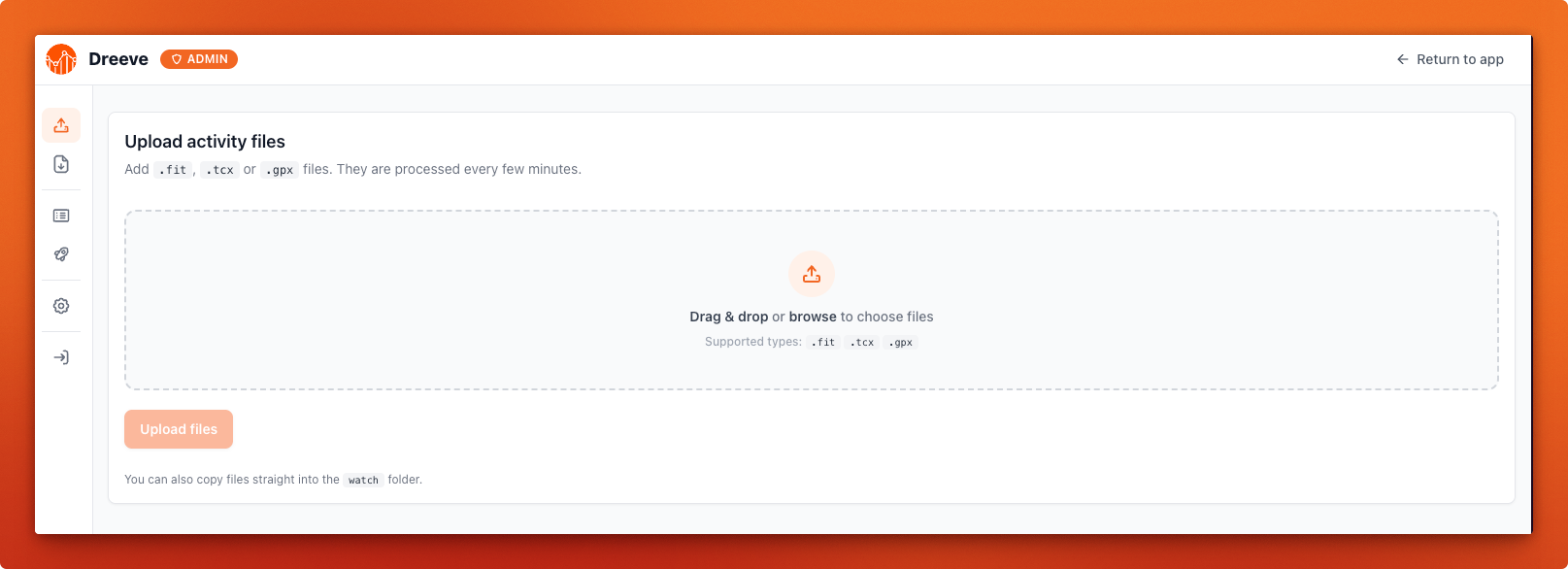
Log in to the admin part of Dreeve and upload your files.
Connect Strava App
Configure Strava in values.yaml.
importMode: "stravaApi"

strava:
  clientId: ""
  clientSecret: ""
  refreshToken: ""
Note
The Strava refreshToken will be available after first login.
https://docs.dreeve.app/#/getting-started/installation?id=obtaining-a-strava-refresh-token
Build app
Once you have successfully you have uploaded your files or authenticated with Strava, you can import your data and build the html files, after which you can view your statistics.
# In files mode
kubectl -n default exec deployments/dreeve -- bin/console app:cron:run-file-import --import --build

# In stravaApi mode
kubectl -n default exec deployments/dreeve -- bin/console app:cron:run-strava-import --import --build
Warning
Data import from Strava can take a while, be patient.
Last updated on